
My home lab journey began in January 2025, almost a year before writing this. I had always been fascinated by home servers and the idea of running my own services, but it wasn’t until then that I finally decided to act on it. I didn’t want to jump straight into buying expensive hardware only to let it gather dust, so I followed Techno Tim’s advice and started with what I already owned: a desktop PC and a laptop. That simple beginning was the first step into a surprisingly deep rabbit hole.
First Steps — My Services, My Rules#
I launched a few services on my main PC, and at first, everything worked flawlessly. Then I left the house. Suddenly the obvious hit me: how do I access any of this from outside my home network? A little research revealed two main options: either expose my services to the internet using a domain and a public IP, or create a secure tunnel back into my home using a VPN. Getting a static IP in Egypt is both costly and frustrating, and the idea of publicly exposing my services as a beginner was more than a little nerve-wracking. So I chose the safer path—an overlay VPN using Tailscale or ZeroTier. Just like that, I could securely access everything from anywhere, without needing a public IP. A smooth victory.
Then Came the Electricity Bill…#
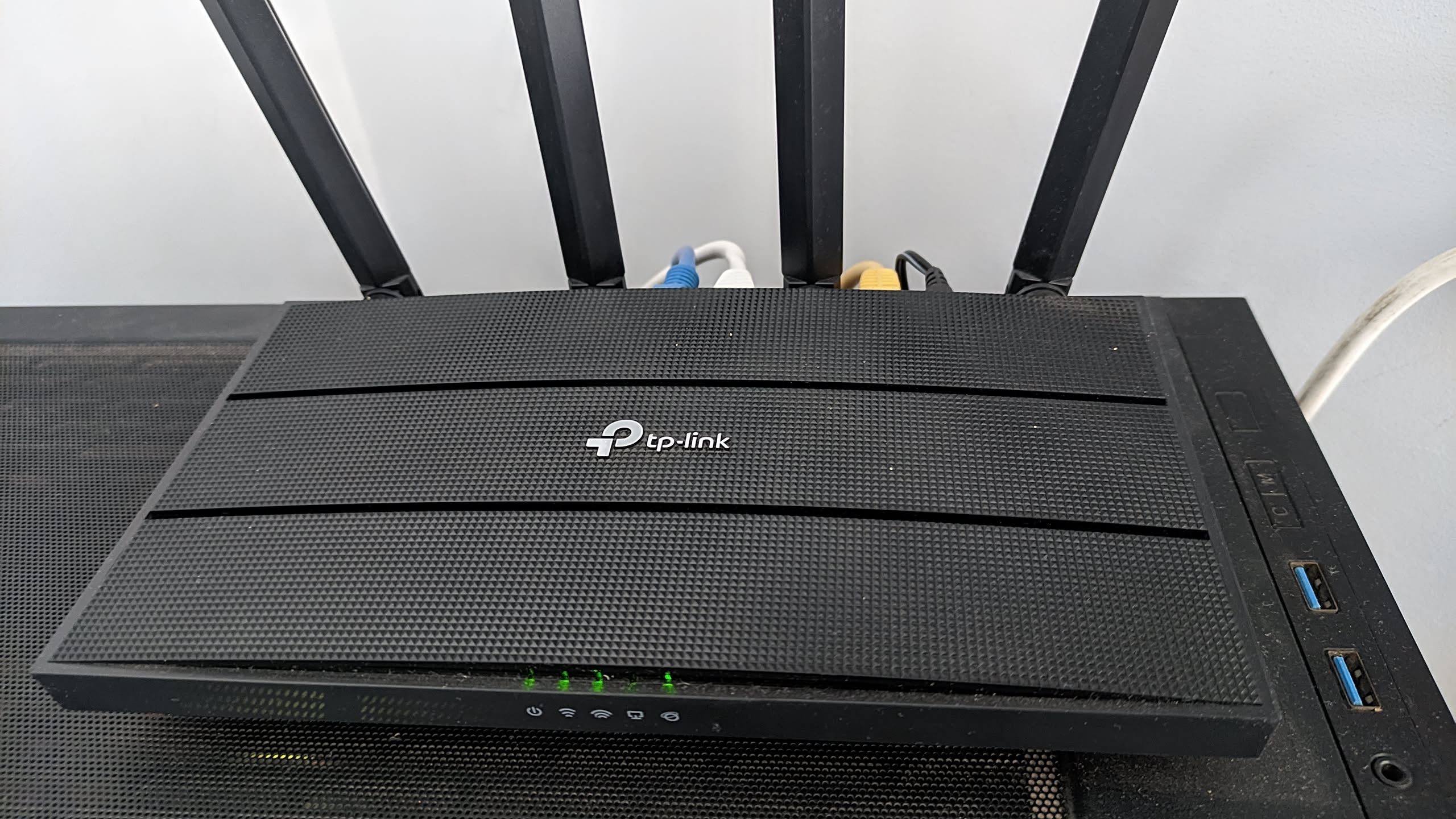
There was one major flaw in the plan: everything ran on my power-hungry desktop PC. That meant leaving it on around the clock, burning through electricity and money at an alarming rate. To fix that, I built a VPN router—a simple router that also joined my overlay VPN. It used only a few watts of power and still allowed me to turn my PC on remotely with Wake-on-LAN or shut it down using SSH. Power savings improved dramatically, and I enjoyed the comfort of remote access without leaving a full desktop running 24/7. But another monster was waiting in the shadows.
Power Cuts: The True Villain#
Egyptian power loves drama. A flicker here, a blackout there, and no warning at all. On personal devices, it’s annoying. On servers, it’s catastrophic: corruption, hardware stress, strange failures… and worst of all, Wake-on-LAN completely breaking. WOL only works when the PC still receives a tiny bit of standby power; if electricity fully drops even for a moment, the network card loses its memory of what to listen for. Suddenly, the only way to power the PC on again is by physically pressing the button. As someone relying on remote access, that was a nightmare scenario.
Enter: The UPS#
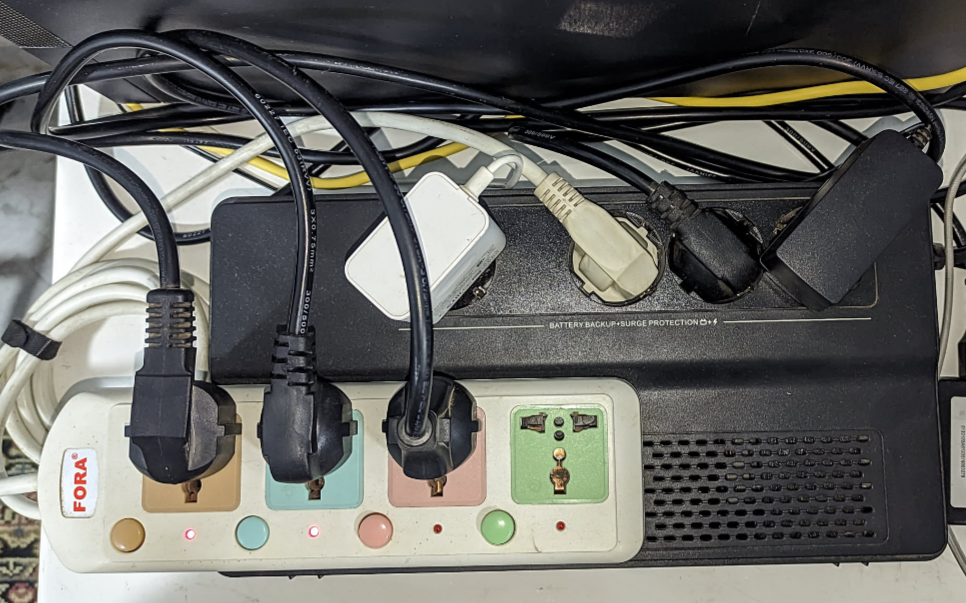
The solution seemed straightforward: buy a UPS. With that upgrade, sudden outages stopped causing data corruption and WOL became reliable again—at least technically. The problem was that my desktop drained the UPS unbelievably fast. I was lucky to get five minutes of battery life out of it, while my router alone could last almost three hours. The imbalance made it clear that the PC was the culprit. I even briefly entertained the idea of building a DIY shutdown controller powered by batteries—an interesting idea, but ultimately a sign that it was time for a different approach.
The Game-Changer — Thin Clients#
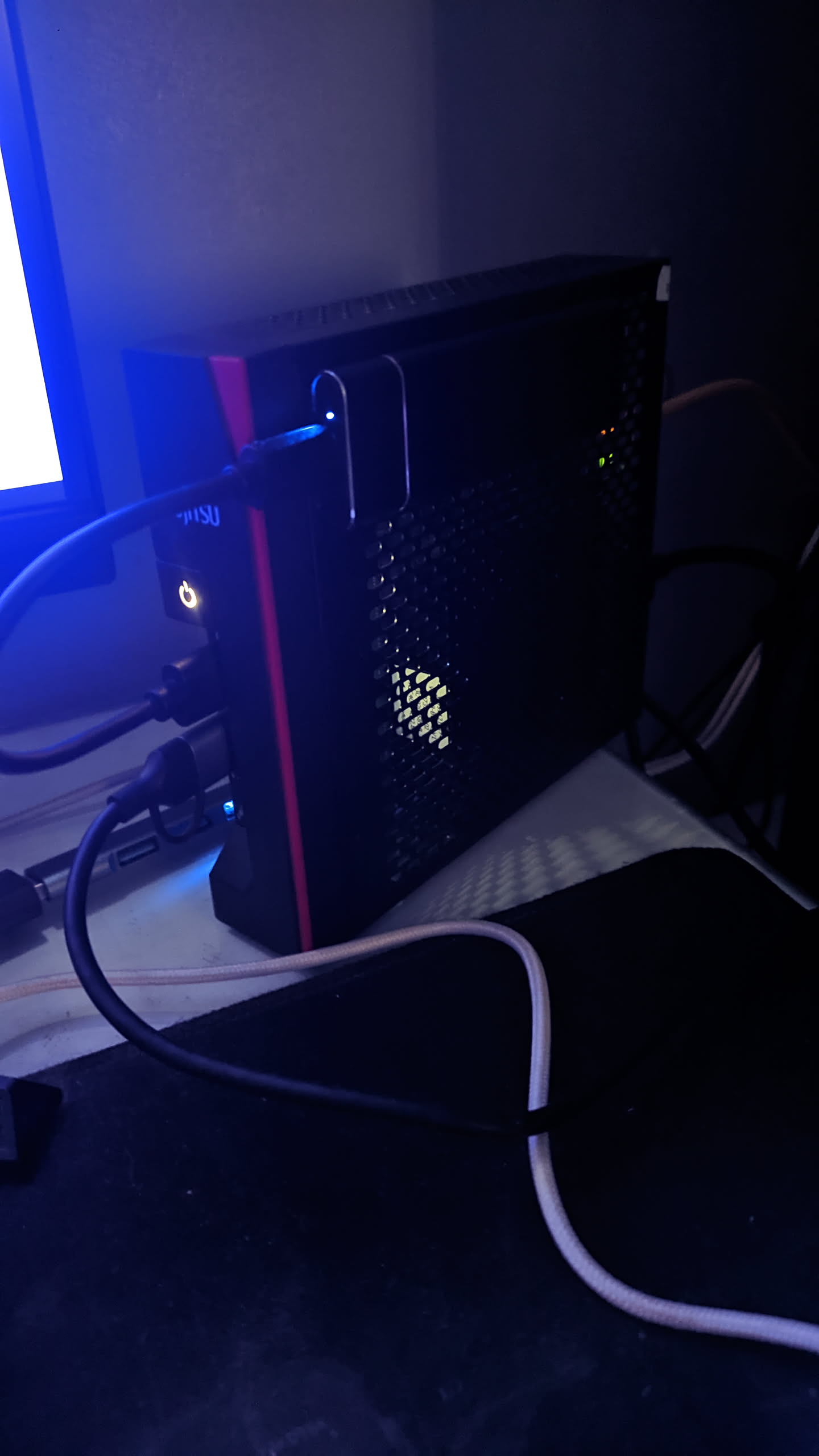
The breakthrough arrived almost by accident. While exploring a local PC parts market, I came across something intriguing: thin clients. These tiny, efficient machines were built for light workloads and minimal power consumption. Where my desktop idled at around 45 watts, a thin client under load consumed only 10 to 20 watts. It was perfect. I bought one, installed Linux and Docker, migrated my services… and the results were astonishing. My UPS backup time shot up from five minutes to almost two hours, and everything ran quieter, cooler, and far more efficiently. Just like that, my home lab evolved into something truly practical.
Where Things Stand Today#
After nearly a year of experimenting, breaking things, learning from mistakes, and upgrading piece by piece, I’ve now built a home lab that feels genuinely reliable. It runs on low-power hardware designed for uptime, survives unexpected outages, supports secure remote access, and doesn’t terrorize my electricity bill. And the really exciting part? This was only the journey through hardware. Networking, reverse proxies, SSL certificates, free dynamic domains, automation—all of that was still ahead of me, each step introducing a new lesson and a new level of control over my digital world. I will go over these in a different article. But for now, This is just the start!